I didn’t want to write this one like a typical “review,” because Aimogen is not a typical plugin. Also, I am the developer of it, so you might think that this review will be biased. You might be right, but let’s look at it first. However, I want to aim this to be a mix between a review and a behind-the-scenes look at how it’s built and how I actually use it. 🙂
So, Aimogen is one of those tools that people either misunderstand completely and ditch it after their first use or build entire businesses around it and use it for years.
If you’ve been around the AI space in the last few years, you have probably seen a lot of “AI writers” out there. Most of them are just wrappers around the OpenAI API. You click a button, it spits out text, done.
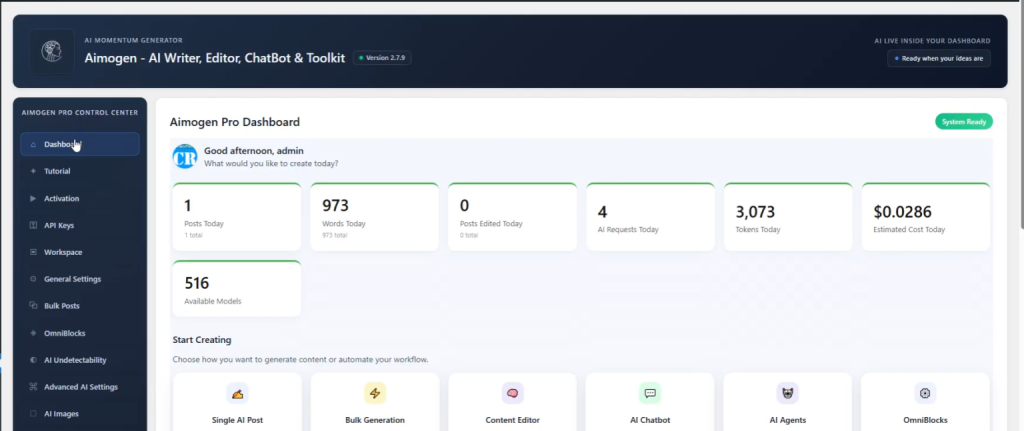
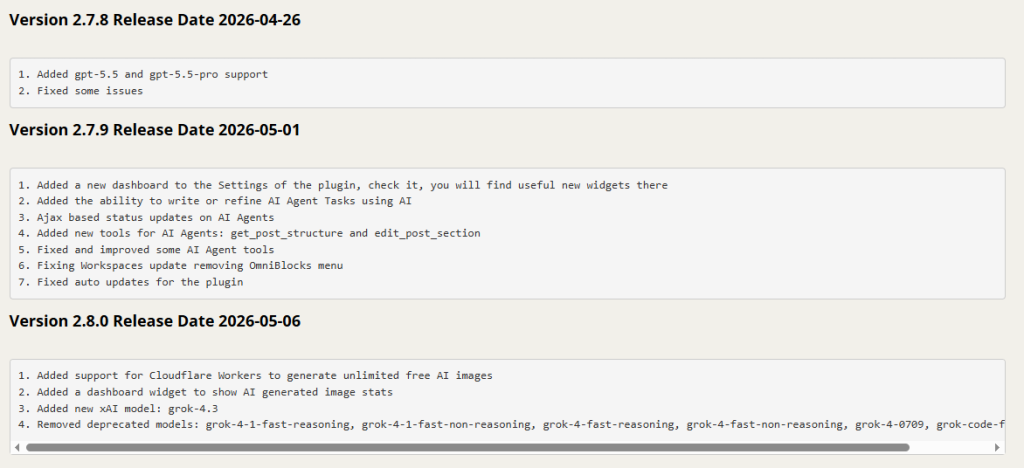
Aimogen Pro (formerly Aiomatic) is not that – at all! It’s closer to a system than just a simple plugin. I built it continuously for over 4 years now, as you can see in its changelog… At the surface level, yes, you can generate posts, rewrite content, create summaries, even run a chatbot on your site. That part is pretty standard today. But once you go deeper, that’s where it separates itself from the rest.
Also, there’s a free version available on WordPress.org if you want to test the basics before going deeper into the Pro version. A lot of people actually start there first and later realize how much more the full version can do once they begin experimenting with automation and workflows.

Personally, I use Aimogen daily for content drafting, rewriting old articles, generating featured images, testing prompts, and automating repetitive publishing tasks across WordPress sites. Some users use only 5% of the plugin. Others build complete AI-assisted publishing workflows around it.
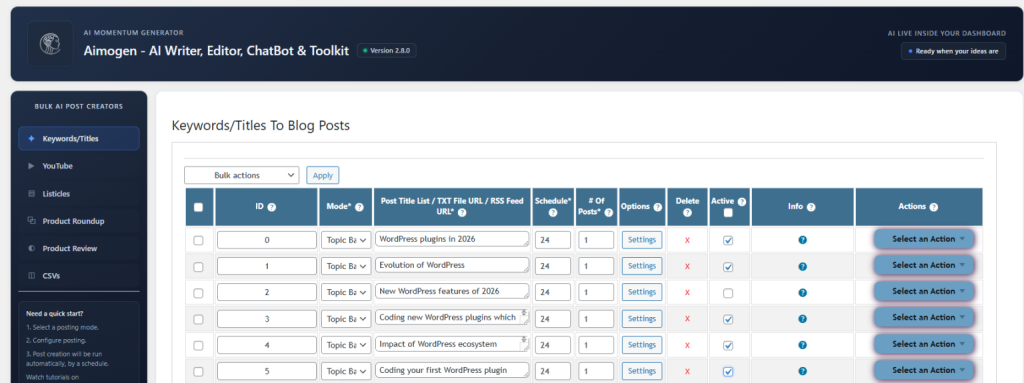
The real power is in automation. You’re not just writing one article. You can generate content in bulk, from keywords, RSS feeds, CSVs, even YouTube captions. And more importantly, you can structure how that happens. Prompts, workflows, scheduling… it starts to feel like you’re building a content machine, not just writing posts.
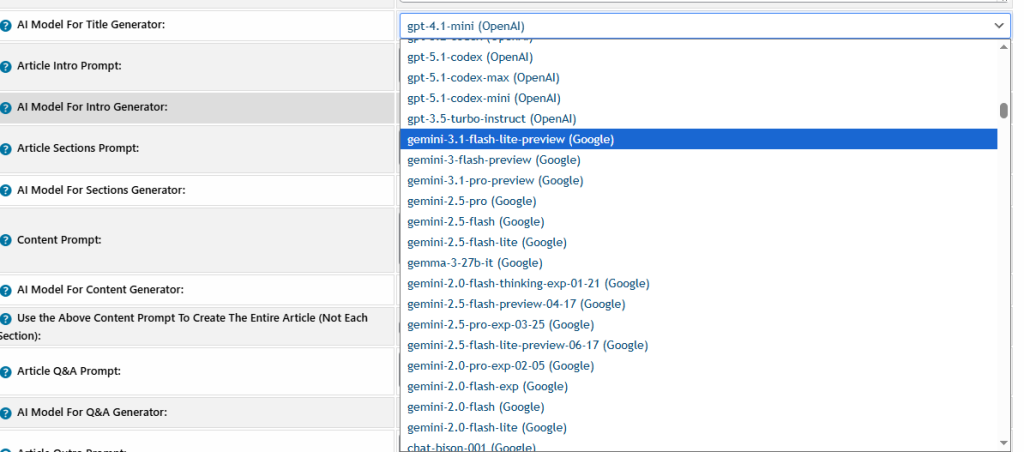
One thing I intentionally avoided was locking the plugin into a single AI provider. Aimogen works with OpenAI, Anthropic, Google Gemini, xAI, OpenRouter, local Ollama models and many others. That flexibility matters because the AI space changes constantly and different models are good at different tasks.
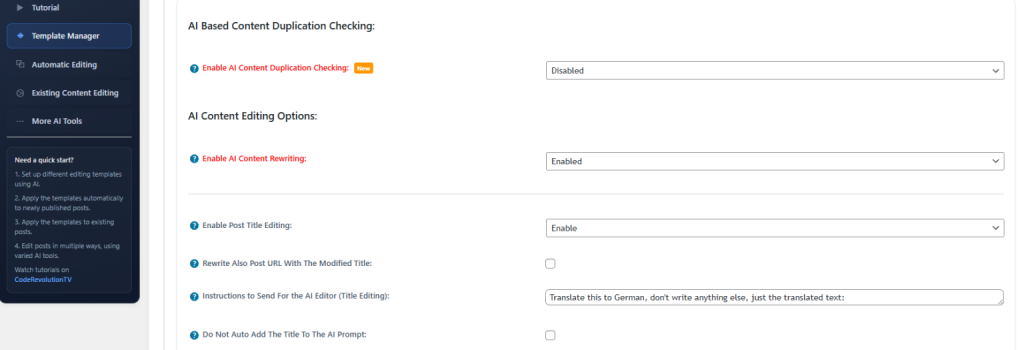
The AI editor inside WordPress is also something I personally like. Instead of jumping between tools, everything happens where you already work. You write, improve, rewrite, adjust tone, directly after the post is published – automatically.
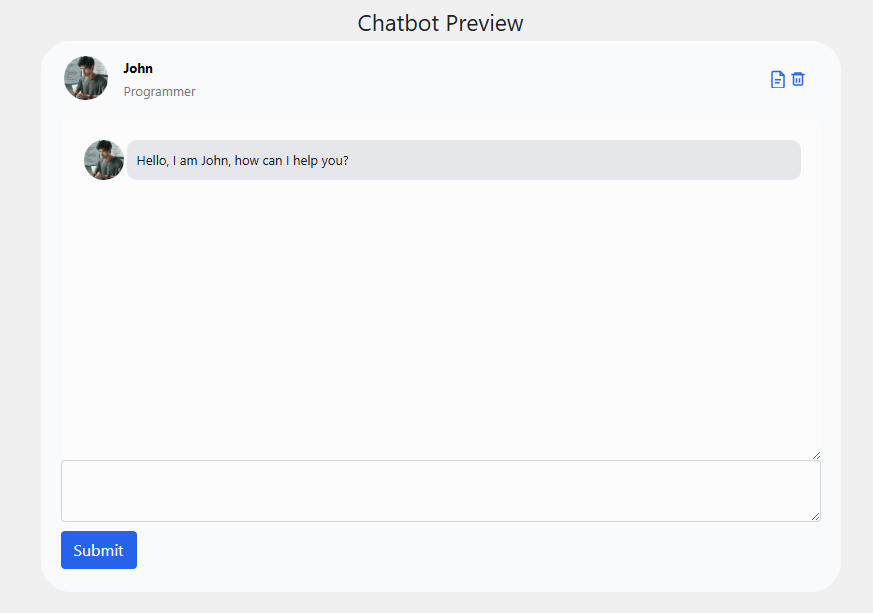
Then there’s the chatbot side, which is honestly more advanced than most standalone chatbot plugins. You can create different bots, control how they behave, where they appear, even collect leads, add multiple chatbot characters to the same chat or run flows based on user interaction. It’s not just “add a chat widget” – it’s a complex tool which can add chatbots to your site with tons of functionality.
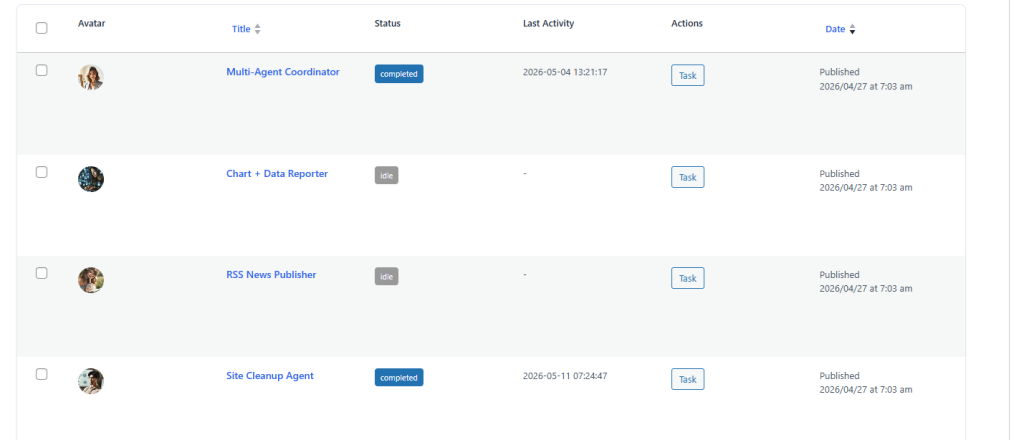
And recently, with latest updates I made, the direction is clearly shifting toward automation even more. The newer updates are pushing into AI agents – basically letting the AI take actions, not just generate text. That’s where things get interesting long-term. So, you can create some agents, assign some tasks for them and they will run these tasks and process them, until they consider them finished. It sounds powerful, in practice it is even more powerful than it sounds, you realize this only after using it for a while.
The down side is: this plugin is not for beginners… If you install it expecting a “generate blog post” button and that’s it, you’ll miss 80% of what it can do. There are a lot of settings, a lot of options. It can feel overwhelming at first… But if you manage to understand its basics, you can master it fast.
Very important is that you need to understand what you’re building. This won’t magically create a successful site for you. If your prompts are weak or your strategy is random, the output will reflect that. The plugin gives you power, but it doesn’t replace thinking. So, you have to do the planning and experimenting first!
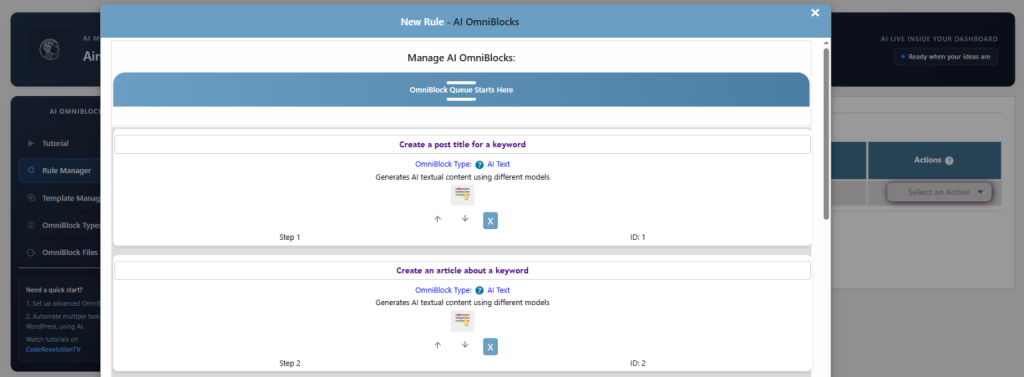
Another thing – it’s easy to overdo it. Automation is great, but if you push it blindly, you’ll end up with content that feels automated. The sweet spot is using it as a multiplier, not as a replacement.
I built Aimogen so it doesn’t hide what it is… It’s not trying to pretend it’s simple. It’s built for people who actually want control over how content is created, edited, and scaled. Most plugins in this space are either too basic or too locked down. This one goes the other way – it gives you everything and expects you to figure out how to use it properly.
Aimogen is probably not the right plugin if you want a minimal one-click AI writer with almost no setup. But if you enjoy experimenting, automating workflows and building systems inside WordPress, it becomes a very different kind of tool. That’s really what I built it for.